







0 Registro (s)
common-we-found-results-matching "0" in 0 ms
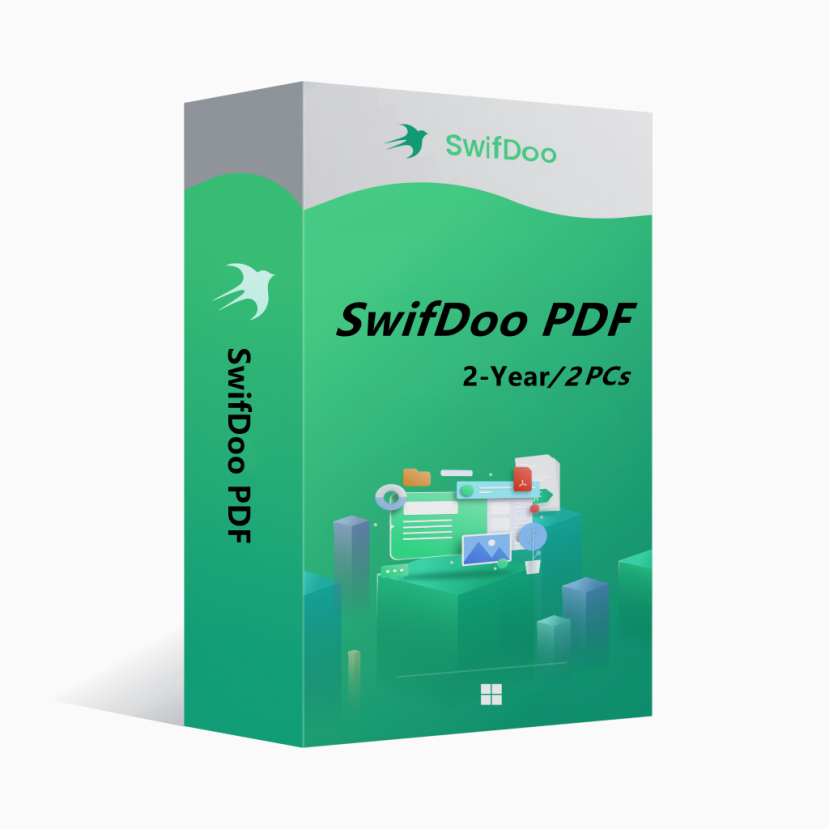
SwifDoo PDF 2-Year Plan 2PCs 2 Years CD Key Global
-19%
Novo Quente

SwifDoo PDF 2-Year Plan 2PCs 2 Years CD Key Global

SwifDoo PDF is an all-in-one PDF editor. The program actually contains a lot of other PDF tools. Along with the editor feature, there are a variety of options to convert PDFs into more editable formats such as Word and PowerPoint files, and you can save space by combining individual PDF documents into one file.
Mostre todo o conteúdo
463.99BRL 570.69BRL
Plataforma:
PC
Região:
Global
Tag:
Office Software
estoque:
Em estoque
1-500
Como ativar?

você pode gostar

Mais

SwifDoo PDF is an all-in-one PDF editor. The program actually contains a lot of other PDF tools. Along with the editor feature, there are a variety of options to convert PDFs into more editable formats such as Word and PowerPoint files, and you can save space by combining individual PDF documents into one file.


Key features of SwifDoo PDF include:


View and edit PDF documents.

Compress PDF documents.

Convert PDF files to other formats.

Split and merge multiple PDF files.

Sign and password protect PDF documents.

Add/Remove watermarks to PDF documents.

OCR


OS: Win 11, 10, 8, 7, and XP (32 & 64)

License Type: 1 license for 2 PCs


The activation code is the "2-Year Pro" license, which supports 2 PCs with version upgrade protection. In such case, you need not to pay additional fee to upgrade the current version to each later version within 2 years.


To install SwifDoo PDF:

Run the setup program -> Accept License Agreement -> Select destination location -> Follow the installation guide -> Finish


Online Registration

After acquiring a SwifDoo PDF license key, visit and login the https://www.swifdoo.com/usercenter and hit the "Redeem Activation Key" option. At this time, you need to copy the activation code above and paste it into the blank space of the "Activation Key" section, then press the "Activate" button. By doing these, you have finished the online activation.


Notes

For a successful registration, please make sure no blank is left in any location of the license code.

Quanto tempo demora para receber a chave após a compra? Onde encontrá-la?
A chave será entregue automaticamente em 3 a 5 minutos. Você pode acessá-la em "Meus Pedidos Comprados".
O que fazer se a chave não puder ser ativada?
Existem diversos motivos para falha na ativação. O problema mais comum é a incompatibilidade entre o seu sistema e a chave adquirida. Primeiro, verifique se a versão do seu sistema (como o Windows Pro) atende aos requisitos. Se o problema persistir, entre em contato com nosso atendimento online 24h e ajudaremos você a trocar a chave rapidamente.
Como solicitar reembolso ou troca?
Para solicitar reembolso ou troca, contate nosso atendimento online 24h e envie as seguintes informações: • Número do pedido • Capturas de tela relevantes (mensagem de erro de ativação, detalhes da compra etc.). Processaremos sua solicitação o mais rápido possível.
Quanto tempo demora para o reembolso cair na conta?
Reembolsos de pagamentos via PayPal são processados instantaneamente. Para pagamentos bancários ou com cartão de crédito, os valores geralmente demoram 7 a 10 dias úteis para cair, dependendo do processamento do banco e das regras locais. Em caso de dúvidas sobre o status do reembolso, fale com nossa equipe de suporte a qualquer momento.
Sobre devoluções e trocas
Ative sua licença em até 180 dias após a compra. Caso ocorram problemas nesse período, disponibilizamos a troca gratuita da chave.